01
Orders with context
Approved designs, available materials, tooling, scheduling, production and assembly: review each order’s stage, owner and pending tasks.
PROFITFLOW / MES · Production and assembly
Use ProfitFlow to record production and assembly, or integrate the MES you already use. Follow orders with the data your team records.
Recorded by operation, team and order.
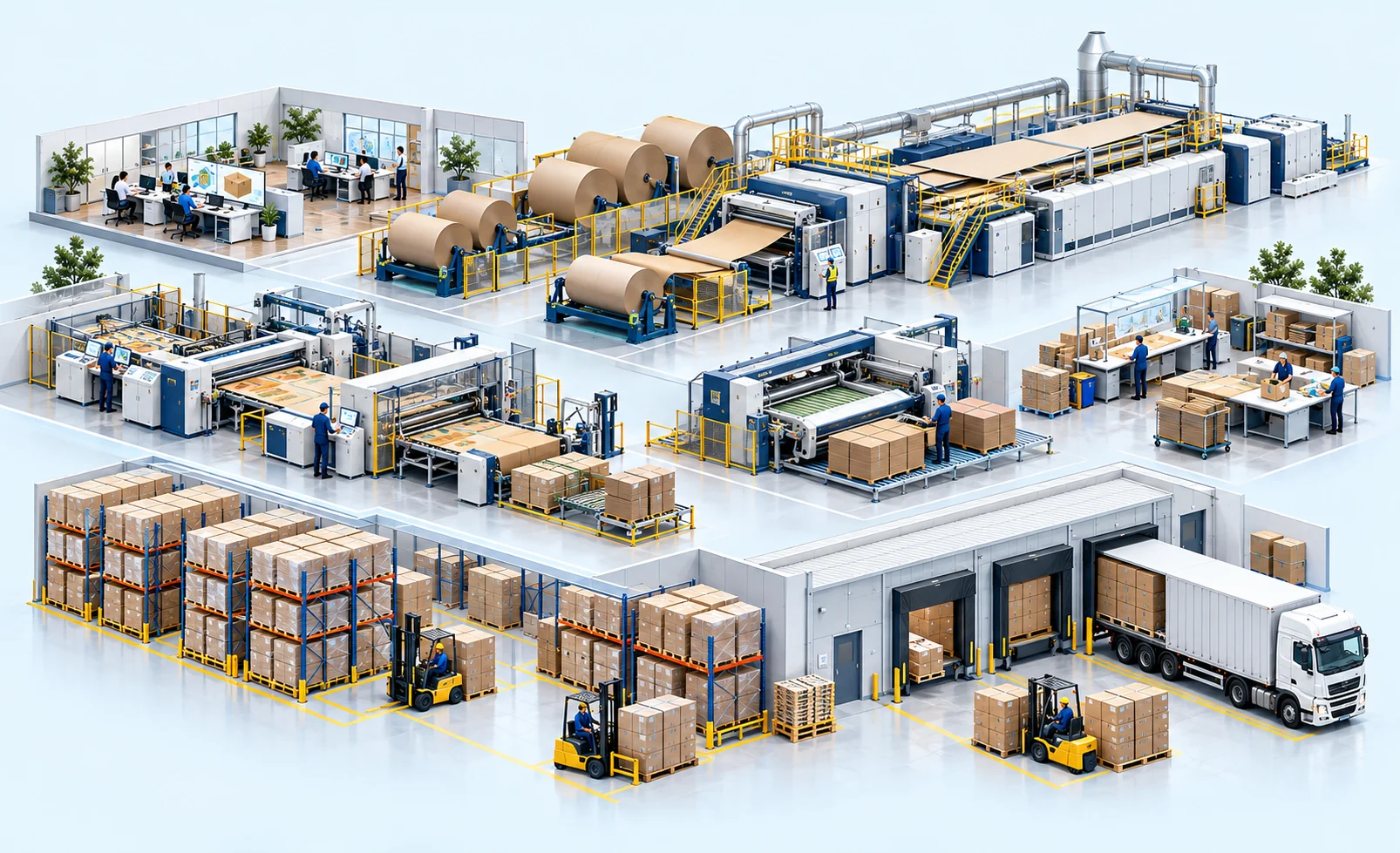 PLANT → RECORDS → DECISIONS
THE CONNECTED OPERATION
The order connects who worked, on which equipment, for how long and how many units.
ORDER TRACEABILITY
Follow design, approvals, production, assembly and delivery in one timeline.
Drawings, quotations, purchase orders and operating records remain linked to the order. Dates and status come from recorded or integrated data.
Interactive illustration of the proposed workflow, not a live software screenshot. Records, approvals and integrations are configured for your plant.
01
Approved designs, available materials, tooling, scheduling, production and assembly: review each order’s stage, owner and pending tasks.
02
Operators and supervisors record start, finish, good units, rejects, downtime and reasons from compatible devices. Records retain the order, operation, shift and owner.
03
Compare planned and recorded times, setup, speed and capacity. Track assembly teams, minutes and completed units to understand labor costs.
04
Associate rejects and rework with operations. Define reviewers, approval owners and the information required by the next stage.
Scope, configuration, support and future expansions are defined in the proposal. Automation and ML require validated data; no universal savings are promised.
Let’s review your plant →